The App Store screenshot maker
for Mac developers.
FrameStudio turns your raw UI captures into App Store–ready screenshots in minutes. Real device frames, every iPhone, iPad & Mac size, AI translation for every locale — or connect Claude Code and let your AI agent build them for you.
Your AI agent can do all of it.
FrameStudio ships a built-in MCP server. Connect Claude Code, Codex, or any MCP client and your agent builds the project from a template, drops your captures into device frames, translates every locale, and exports every size — while you watch it work live in the studio.
> Take my screenshots in ~/Desktop/captures, build my App Store
  visuals from a template, translate them to French, German and
  Spanish, and export every size.

  ✓ Project created from template
  ✓ 5 screenshots placed into device frames
  ✓ FR · DE · ES added with AI translation
  ✓ All sizes exported for App Store Connect
One design. Every language.
Add any locale to your project and one-click AI translation rewrites every text layer — same design, native copy, ready-to-upload sets per market.
Everything you need, nothing you don't.
FrameStudio is opinionated software for shipping screenshots fast — templates, real device frames, AI localization, and an MCP server your coding agent can drive.
Canvas-based editor
Drag, snap, align. A familiar layered canvas with sub-pixel control and keyboard nudging.
Real device frames
Pixel-accurate iPhone and iPad bezels — not generic mockups. Updated every September.
All App Store sizes
6.5", 6.7", 6.9", 12.9" and the rest. One template, every export size.
AI translation built in
Add French, German, Spanish — any locale — and one-click AI translation rewrites every text layer.
Native macOS
Written in Swift. Launches in 0.4s, eats <120MB of RAM, supports Apple Silicon natively.
Background presets
Tasteful gradients and grids that don't scream "AI generated." Or drop in your own.
Pick a template. Ship today.
Every template covers all iPhone and iPad sizes — drop in your screenshots and export in minutes.
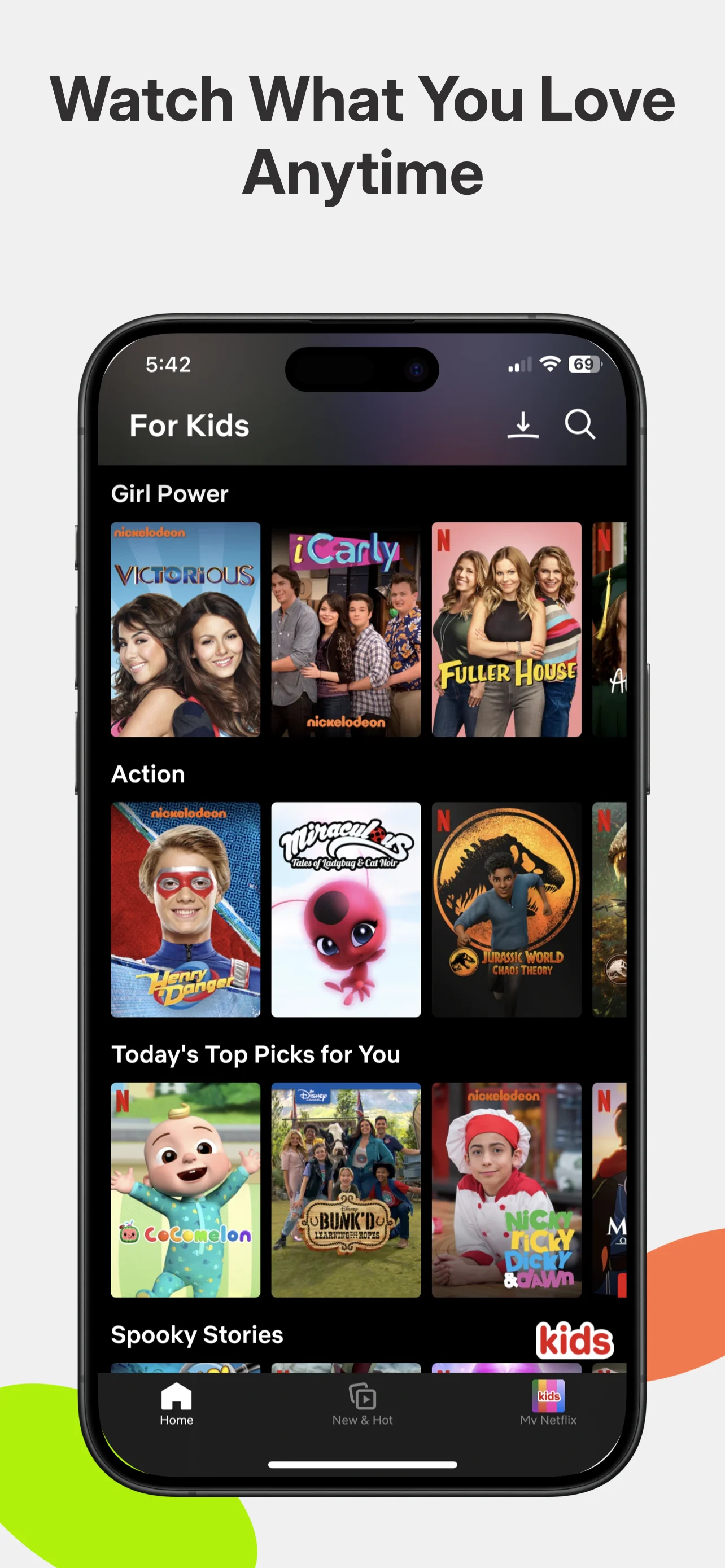
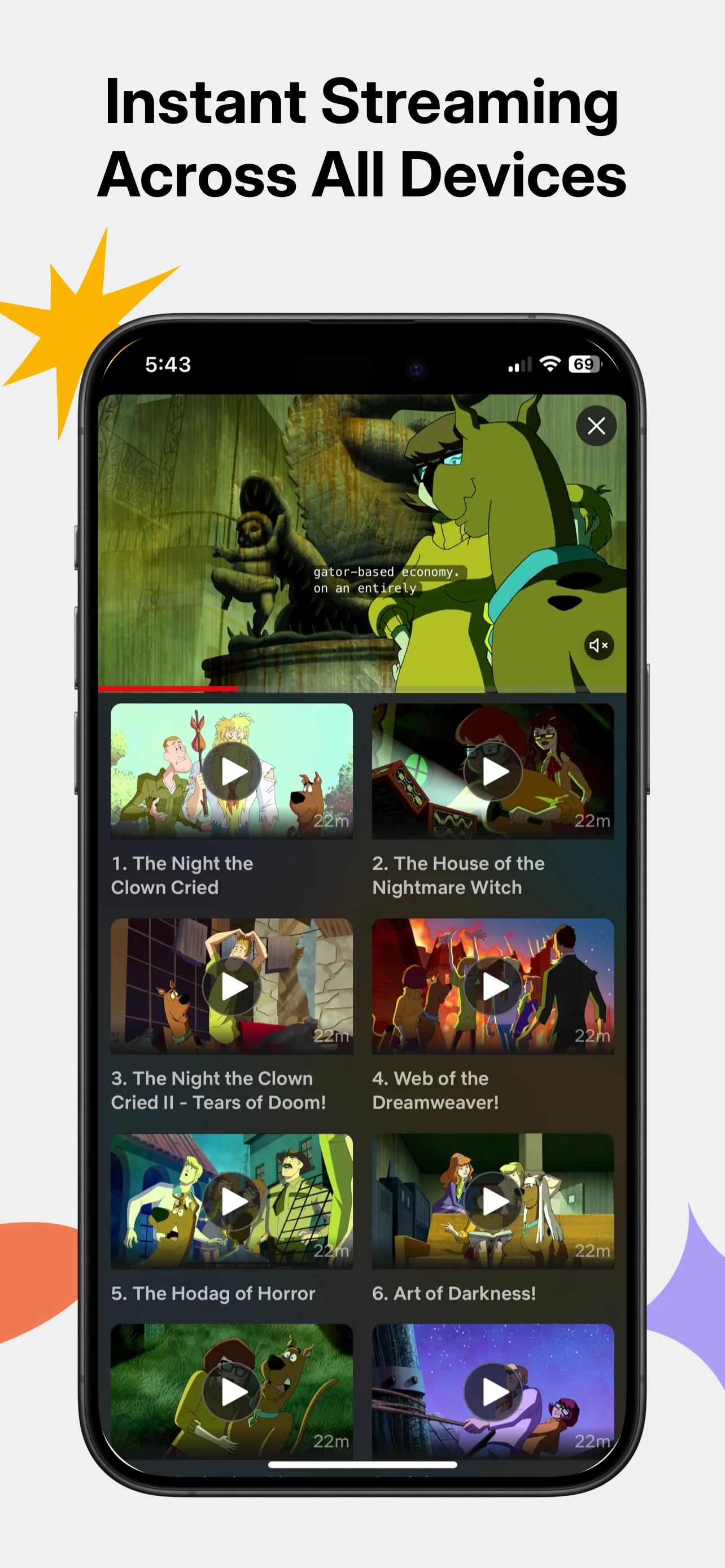
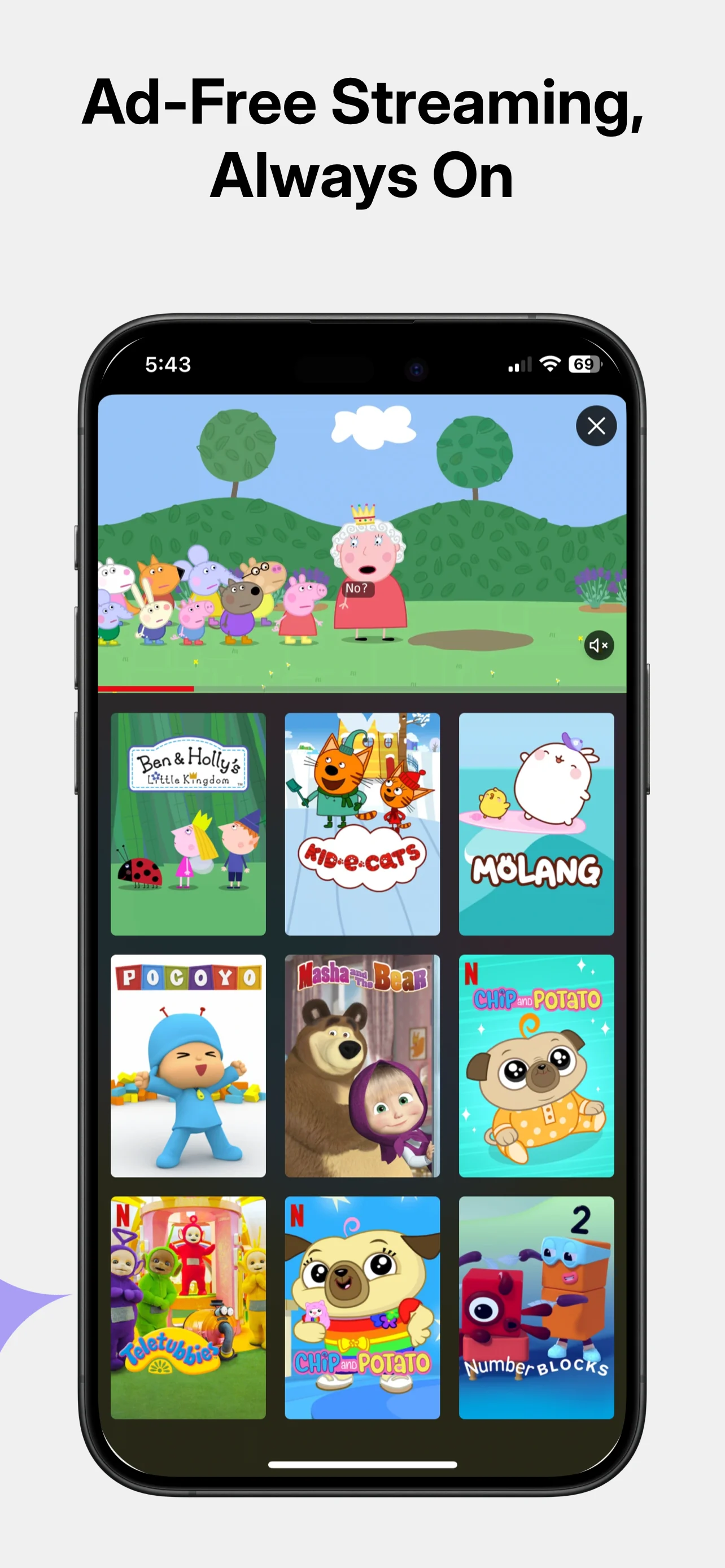
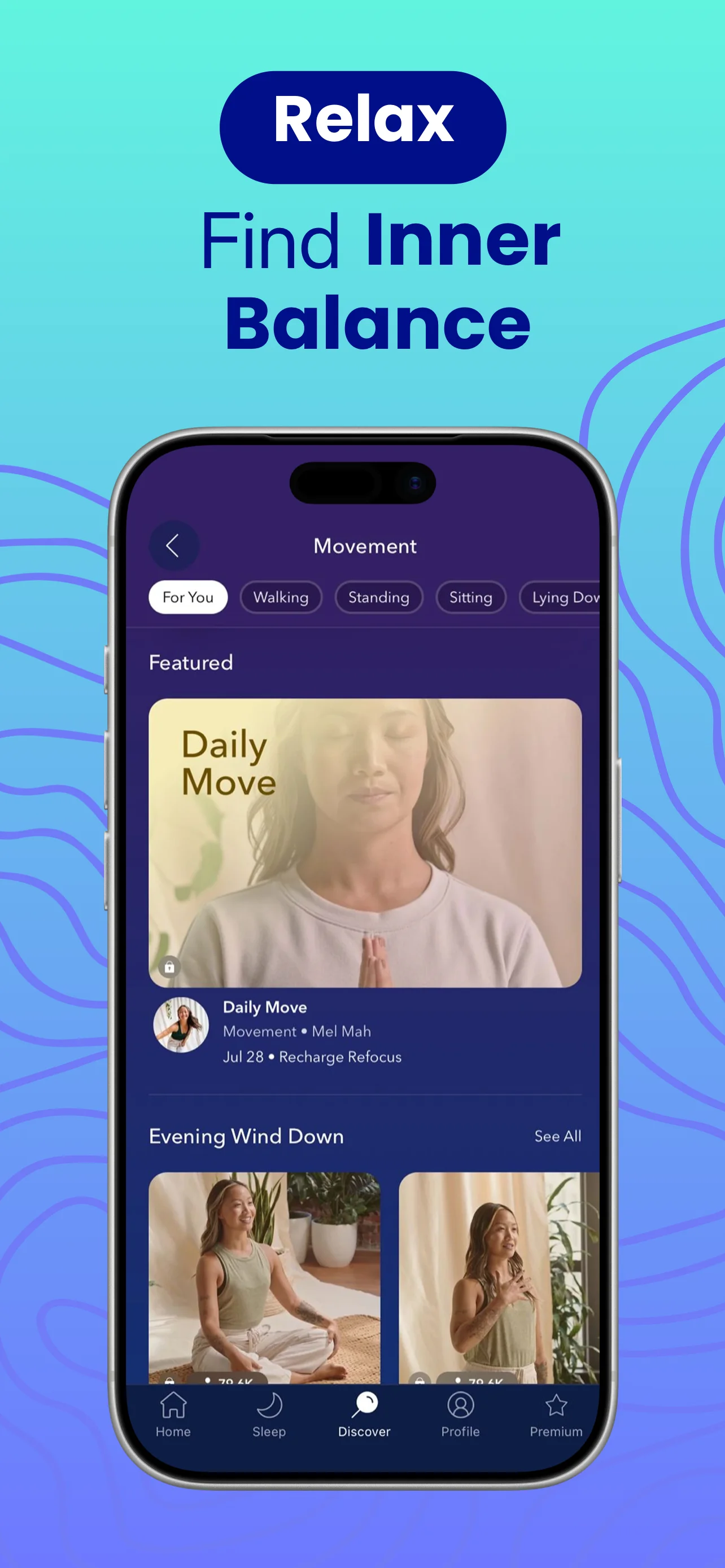
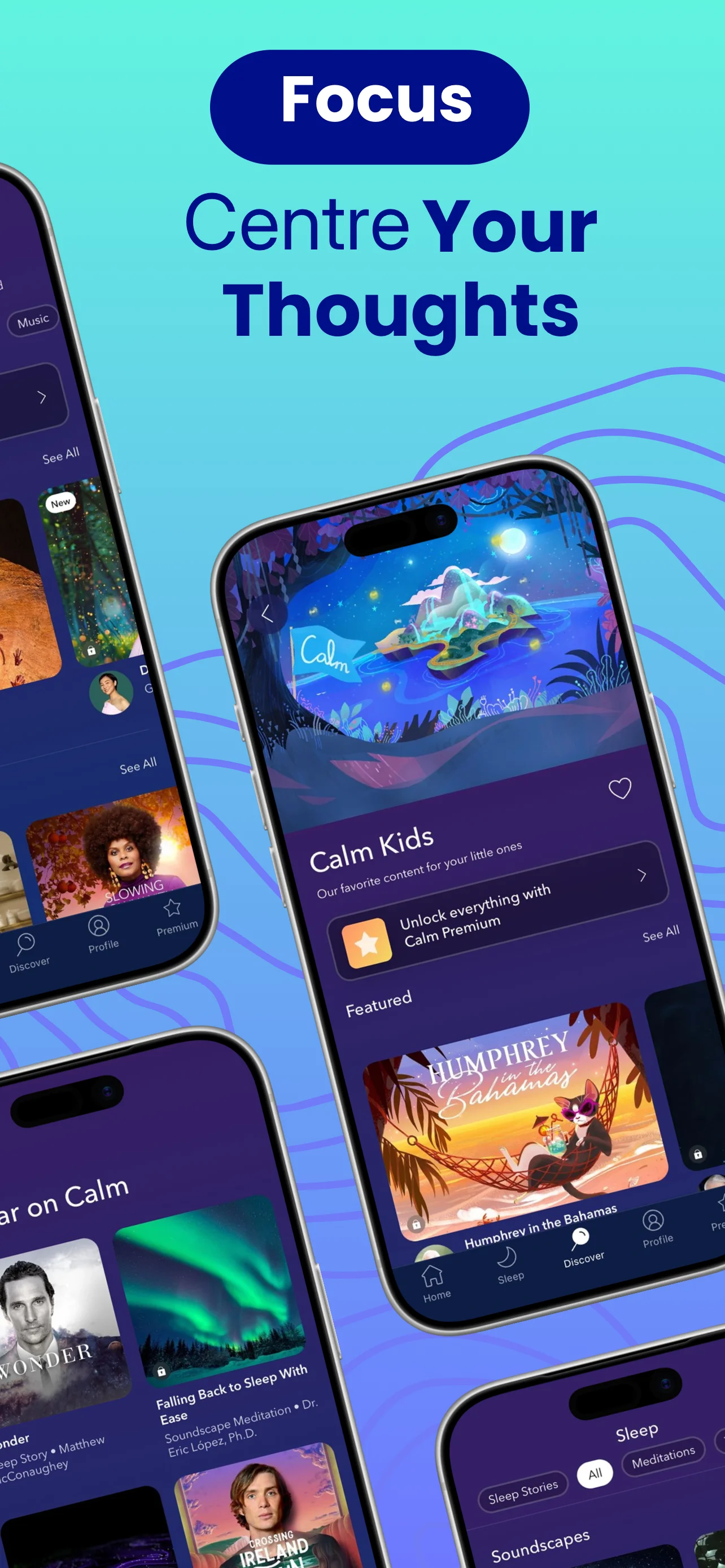
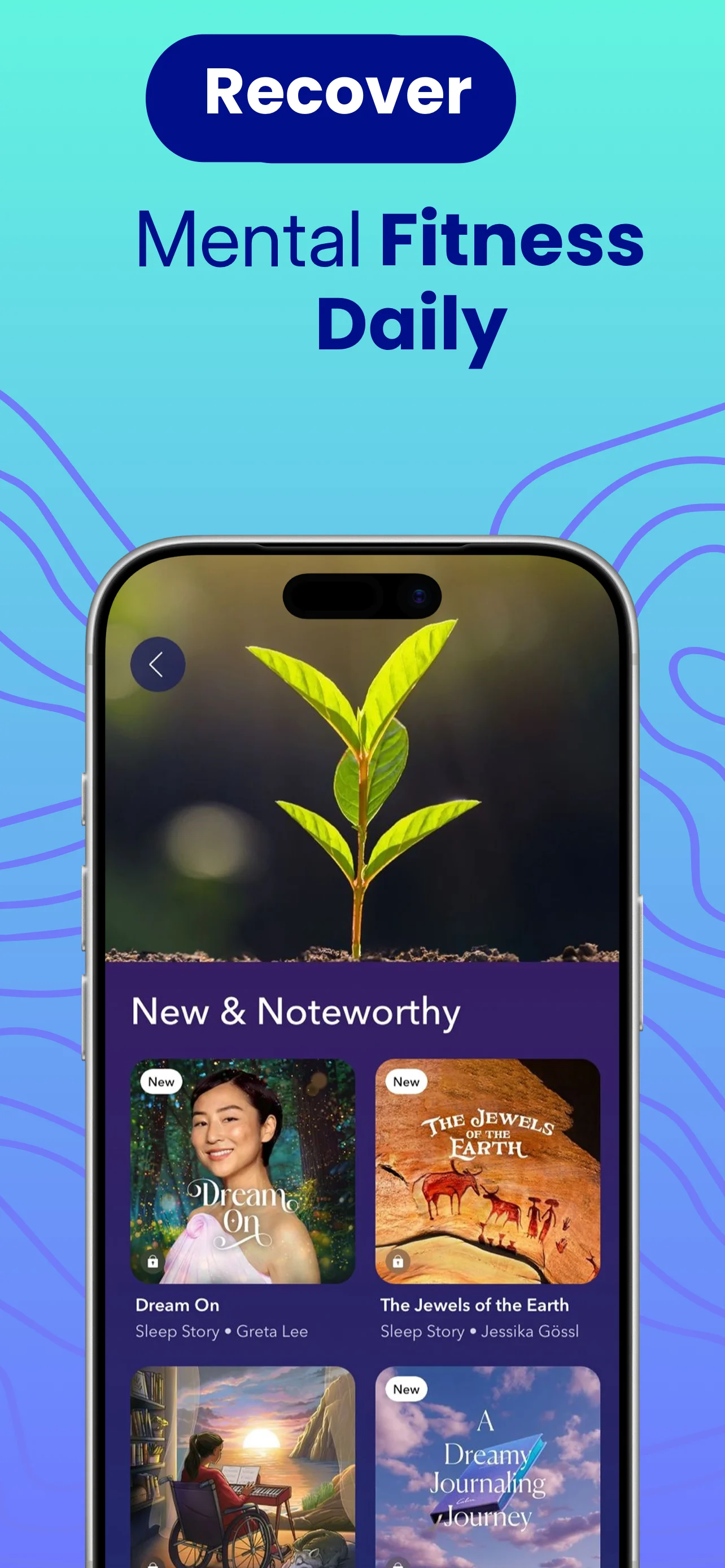

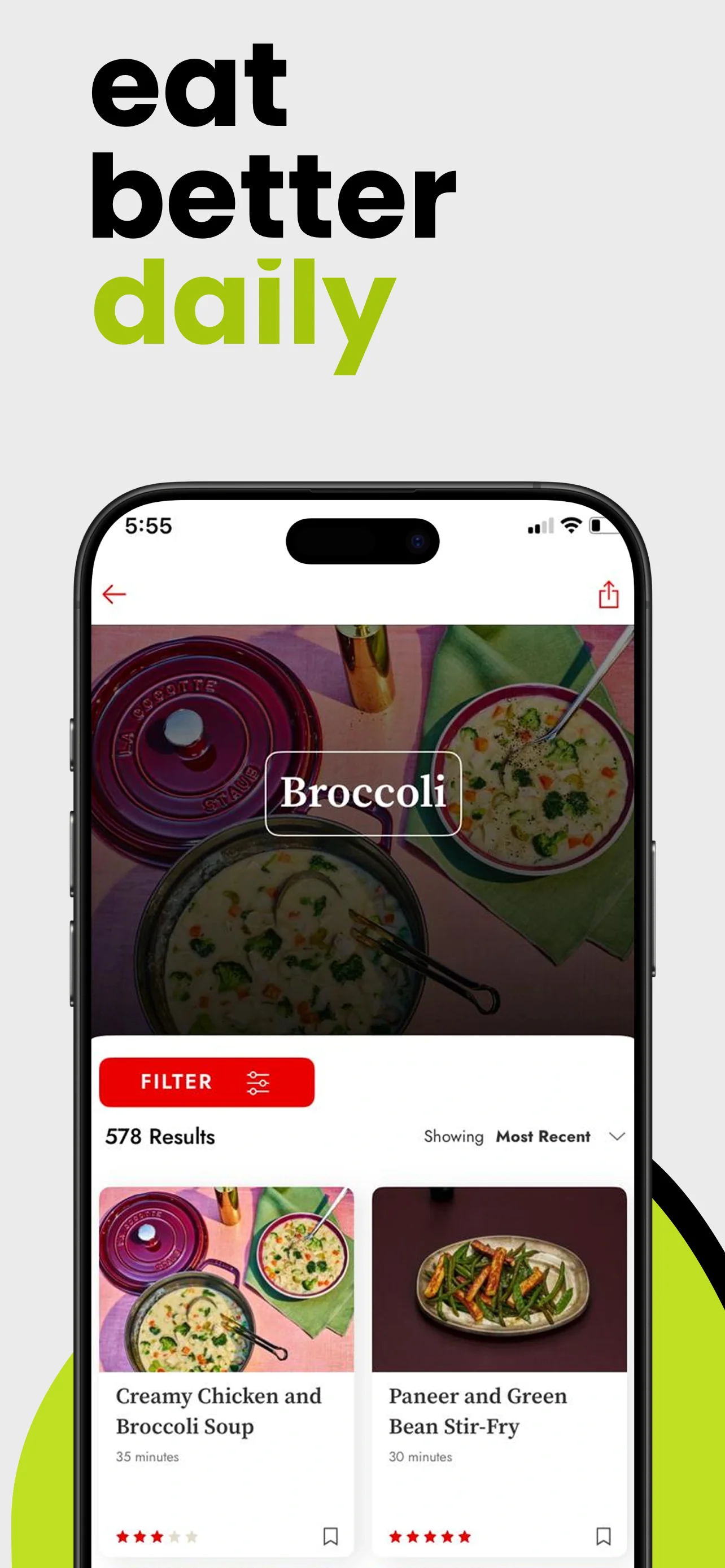
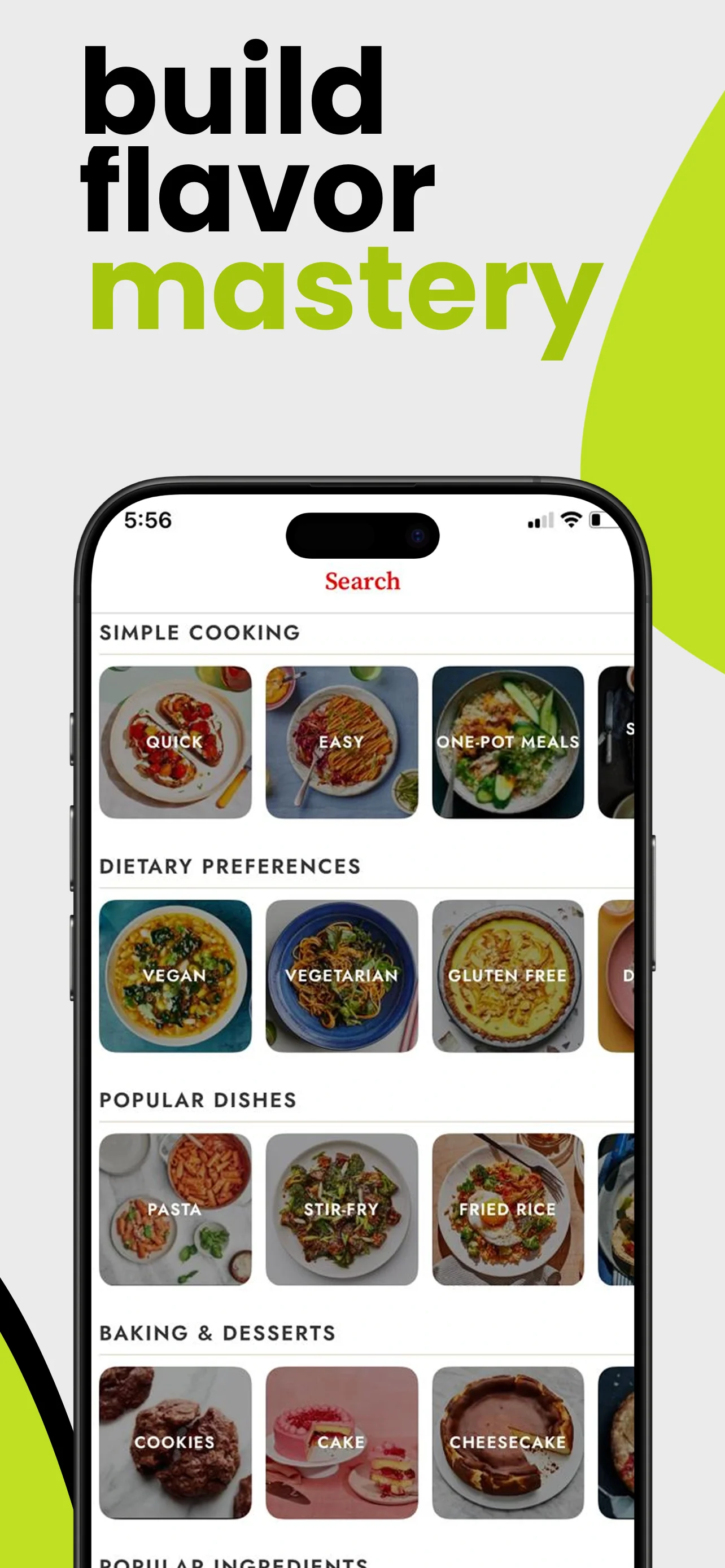

Four steps from raw capture to App Store upload.
Choose a template
Pick from 60+ curated layouts, or start from a blank canvas.
Customize
Drop your captures, edit copy, adjust colors. Live preview every size.
Export
One click. PNGs ready for App Store Connect, all sizes at once.
Publish
Drag the folder into App Store Connect. Ship the same day.
Built for solo developers, not design teams.
App Store screenshot tips & ASO guides
Free to download. Start shipping today.
FrameStudio is free to download on the Mac App Store. Go Premium — subscription or one-time lifetime — when you want everything unlocked.
- 90+ App Store screenshot templates
- Every iPhone, iPad and Mac export size
- Real device frames, updated yearly
- Canvas-based editor with layers
- One-click export, all sizes at once
- Email support from the developer
Frequently asked questions
What is FrameStudio?
FrameStudio is a native Mac app for creating App Store screenshots. Pick a template, drop in your raw captures, and export pixel-perfect images for every required iPhone, iPad, and Mac size — ready for App Store Connect.
Is FrameStudio free?
FrameStudio is free to download on the Mac App Store. Premium — a subscription or a one-time lifetime purchase — unlocks every template, all export sizes, AI translation, app preview videos, and the MCP server.
Which App Store screenshot sizes does FrameStudio support?
All required App Store sizes: iPhone 6.1", 6.3", 6.5", 6.7" and 6.9", iPad 11" and 13", plus every Mac App Store size. One click exports every size at once.
Can an AI agent create my screenshots?
Yes. FrameStudio has a built-in MCP server — connect Claude Code, Codex, or any MCP client and your agent creates the project from a template, places your screenshots into device frames, localizes every language, and exports all sizes for you.
Can I translate my screenshots into other languages?
Yes. Add any locale to a project and one-click AI translation rewrites every text layer — each market gets its own ready-to-upload screenshot set.
Can I make App Store preview videos?
Yes. Drop a video into any device mockup and FrameStudio exports App Store-ready preview videos in the required sizes.
Does FrameStudio run natively on Apple Silicon?
Yes. FrameStudio is written in Swift and runs natively on Apple Silicon (M1–M4) and Intel Macs — it launches in under a second.
What macOS version does FrameStudio require?
FrameStudio requires macOS 14 (Sonoma) or later.
FrameStudio is a native Mac app for creating App Store screenshots. It gives indie developers and solo founders real device frames for iPhone, iPad, and Mac — inside a canvas editor with one-click export for all required App Store sizes, one-click AI translation for every locale, App Store preview videos, and a built-in MCP server so AI agents like Claude Code can build screenshots for you. Built by indie developer Youssef Ziat. Free to download on the Mac App Store.