
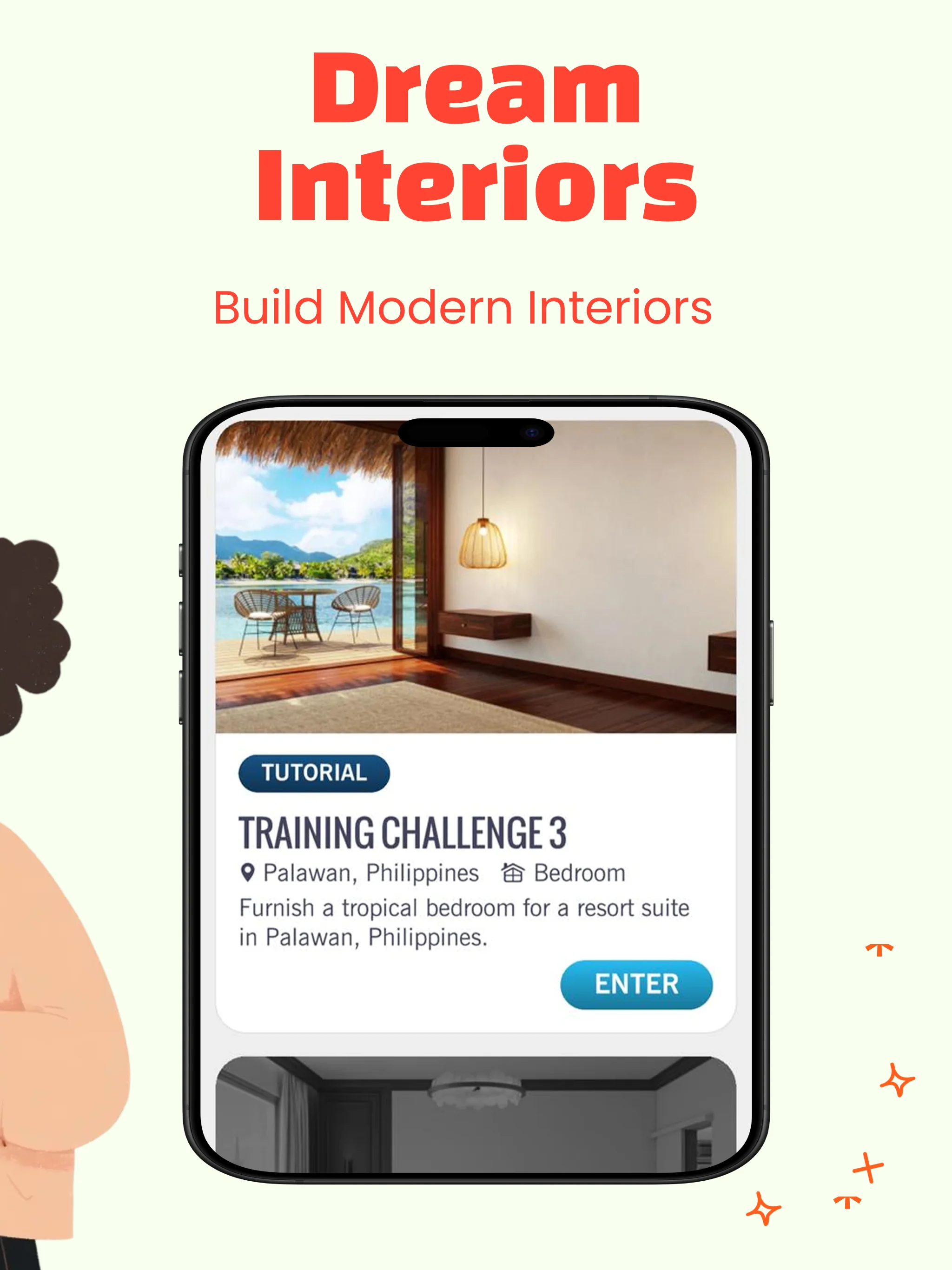
About this template
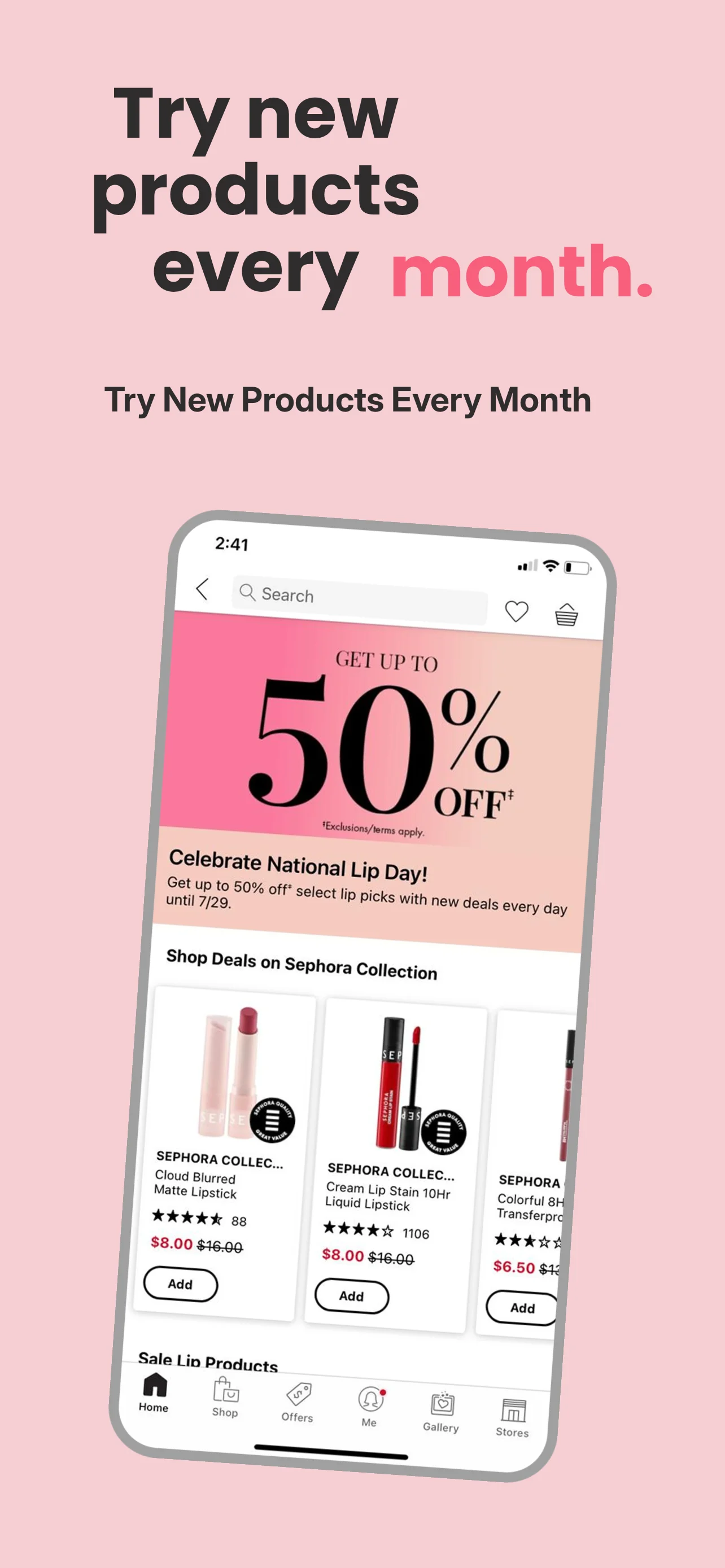
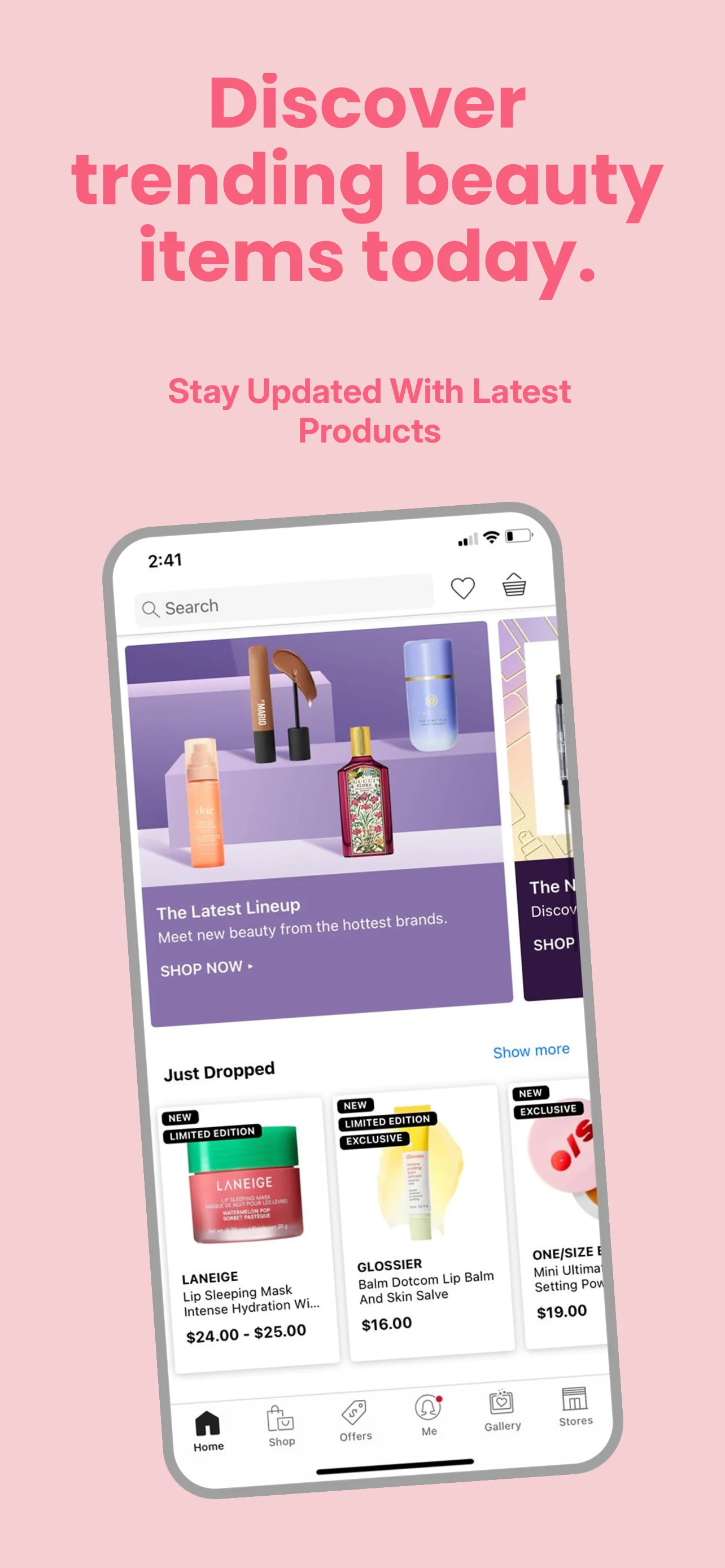
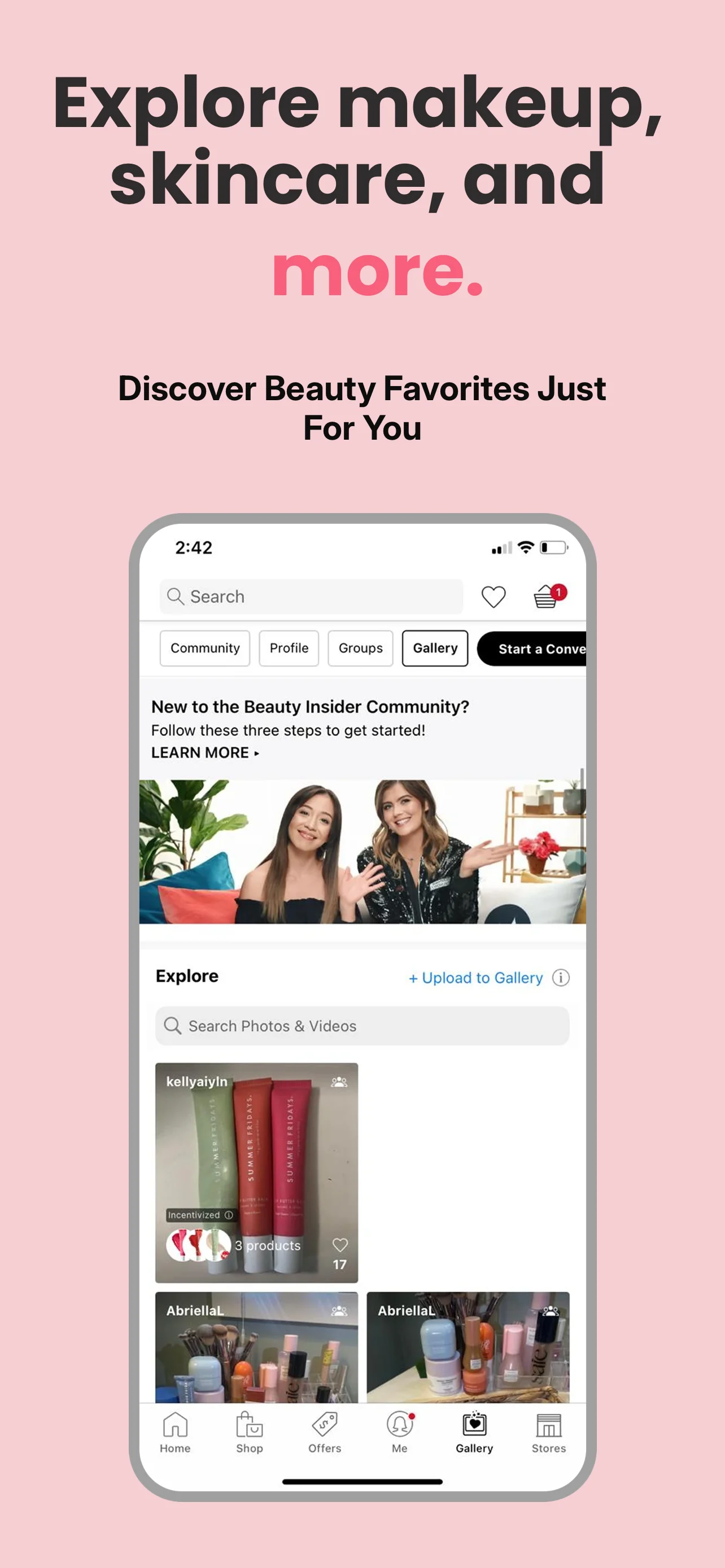
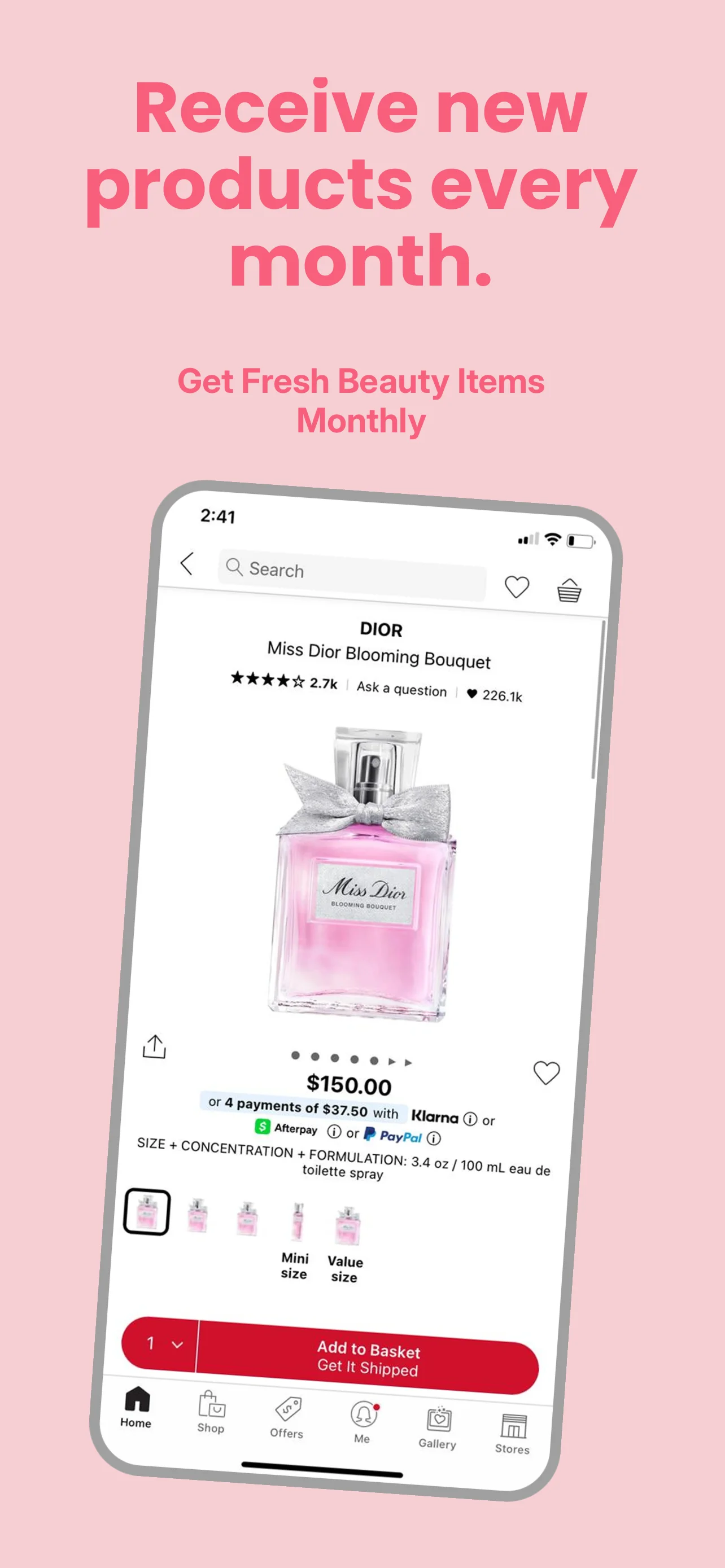
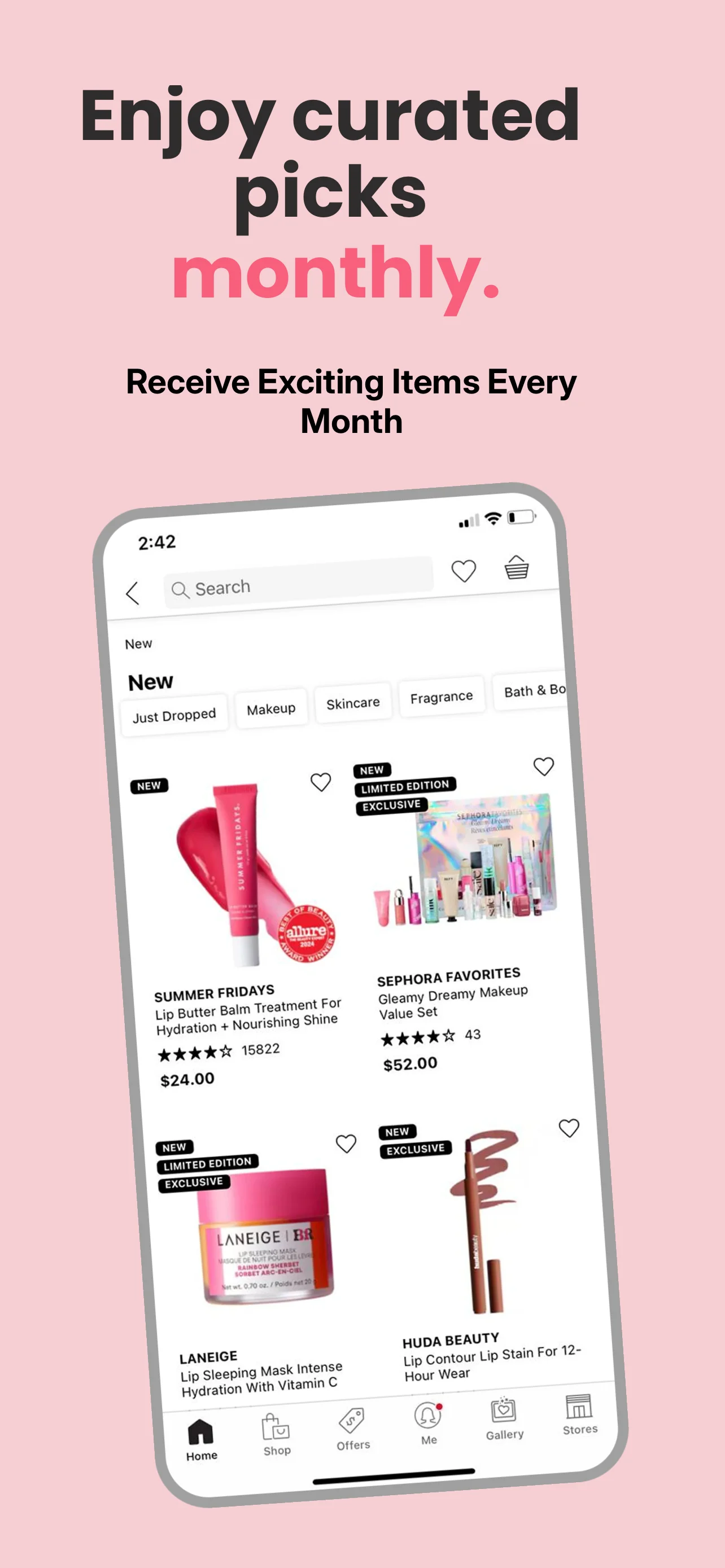
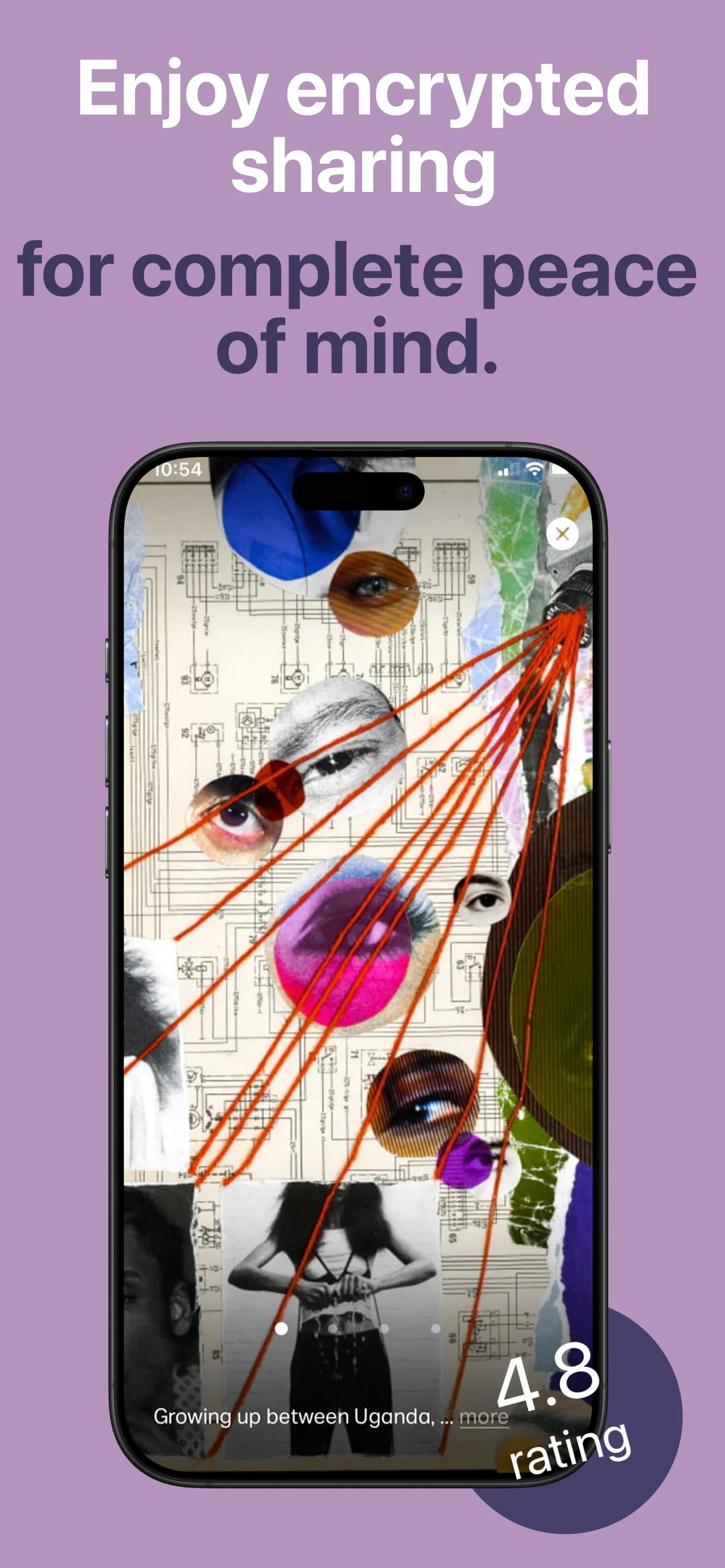
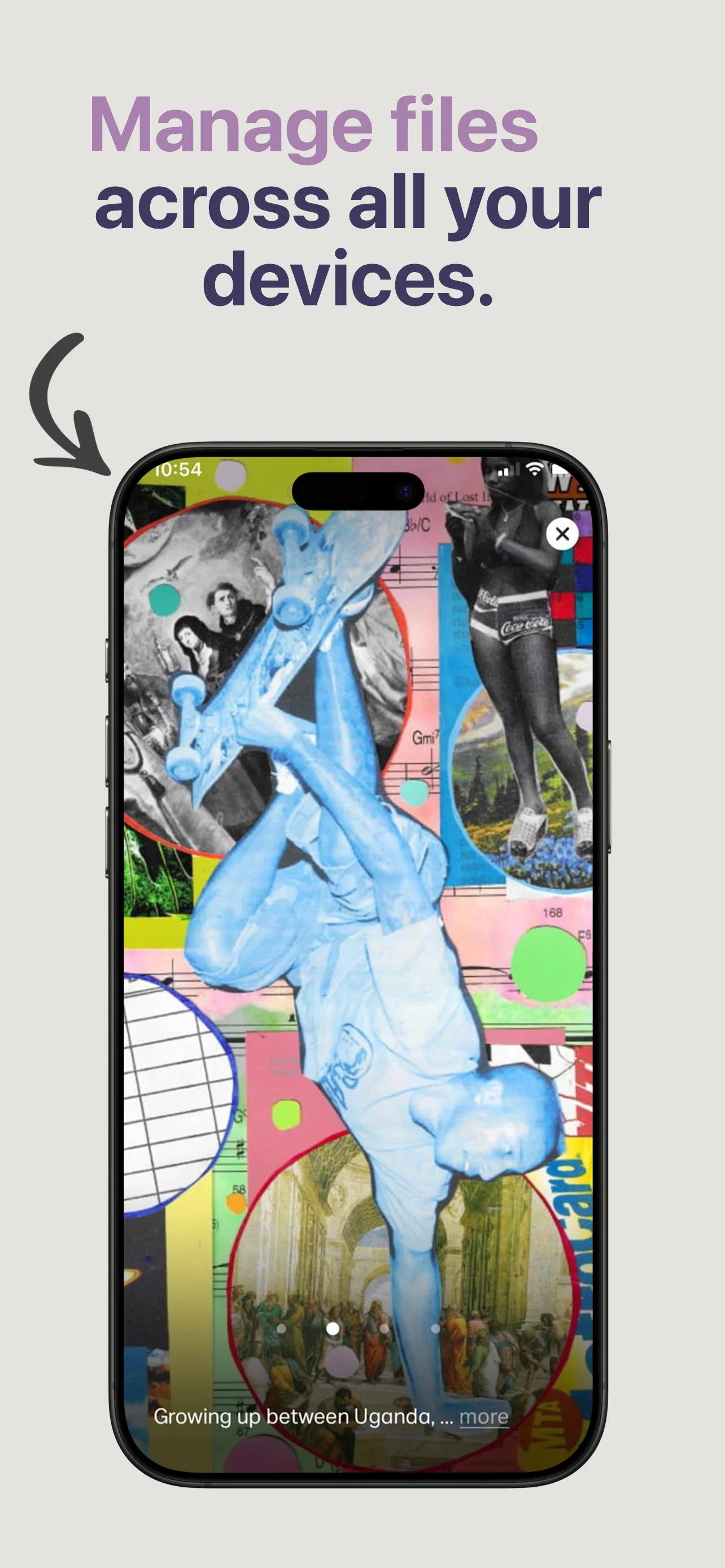
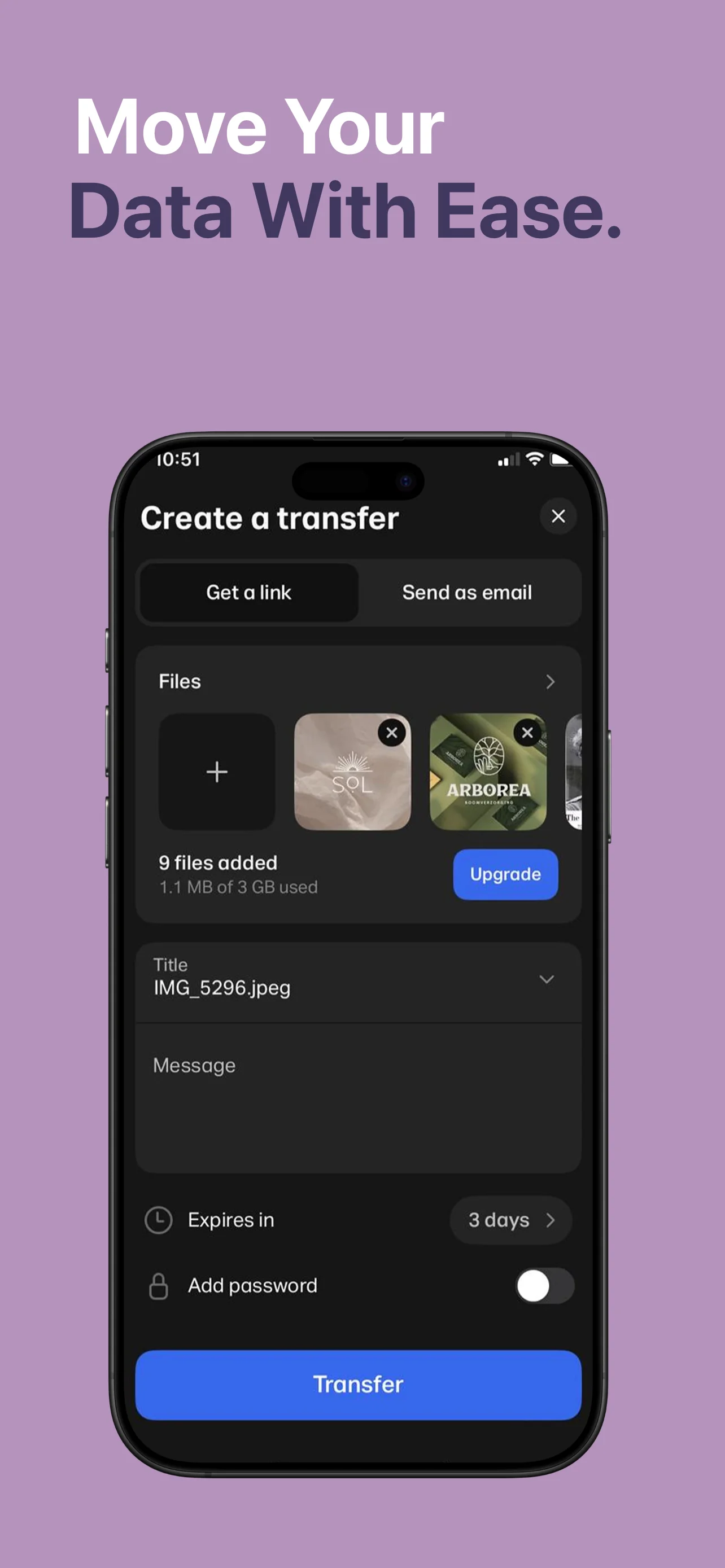
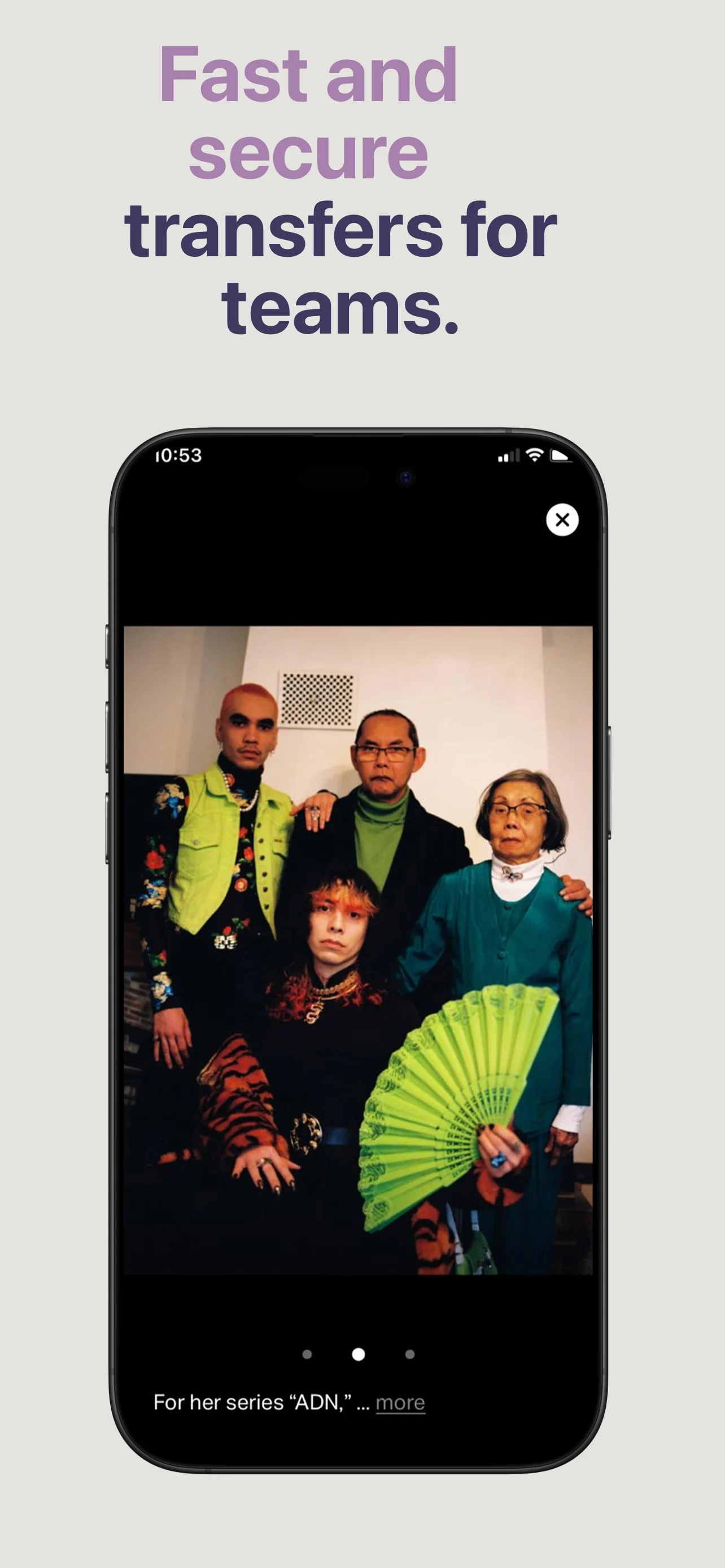
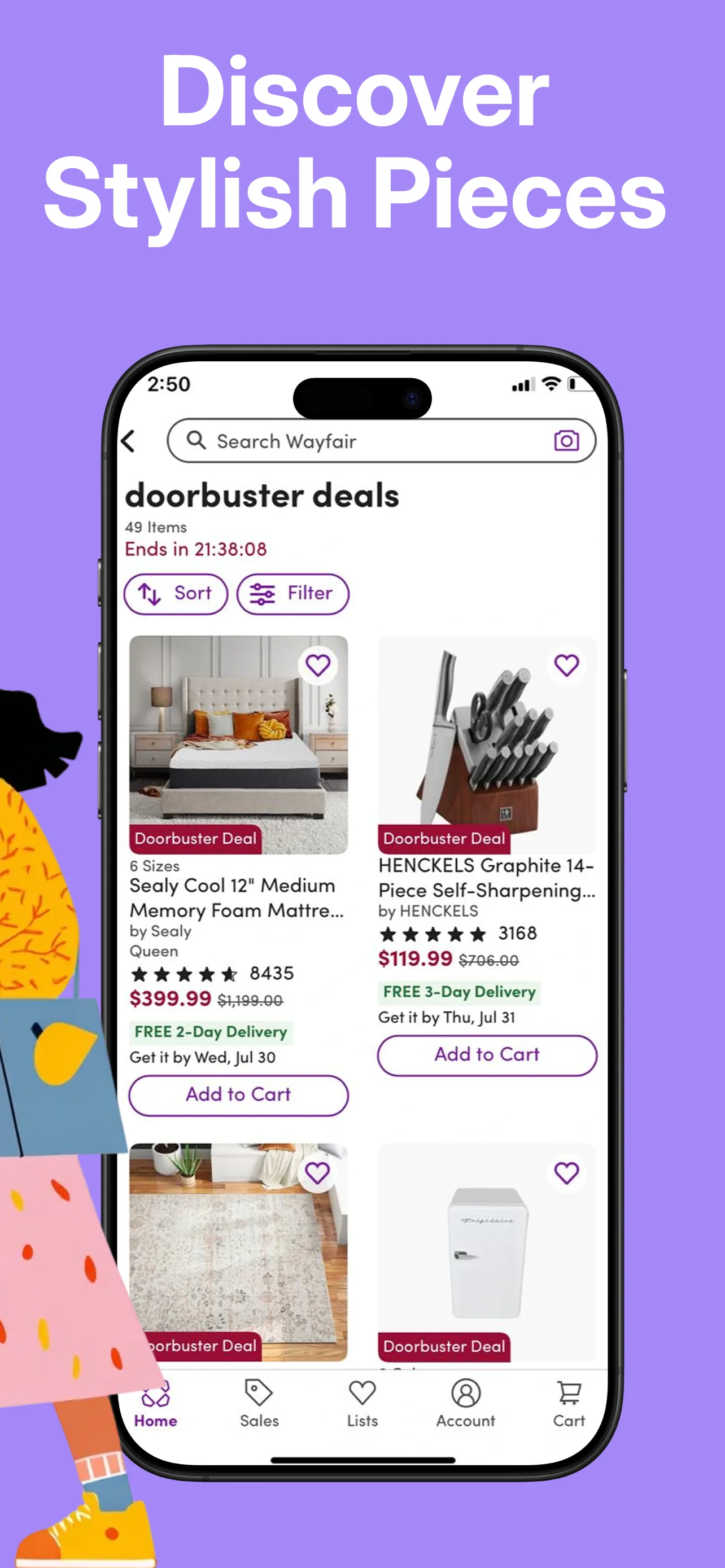
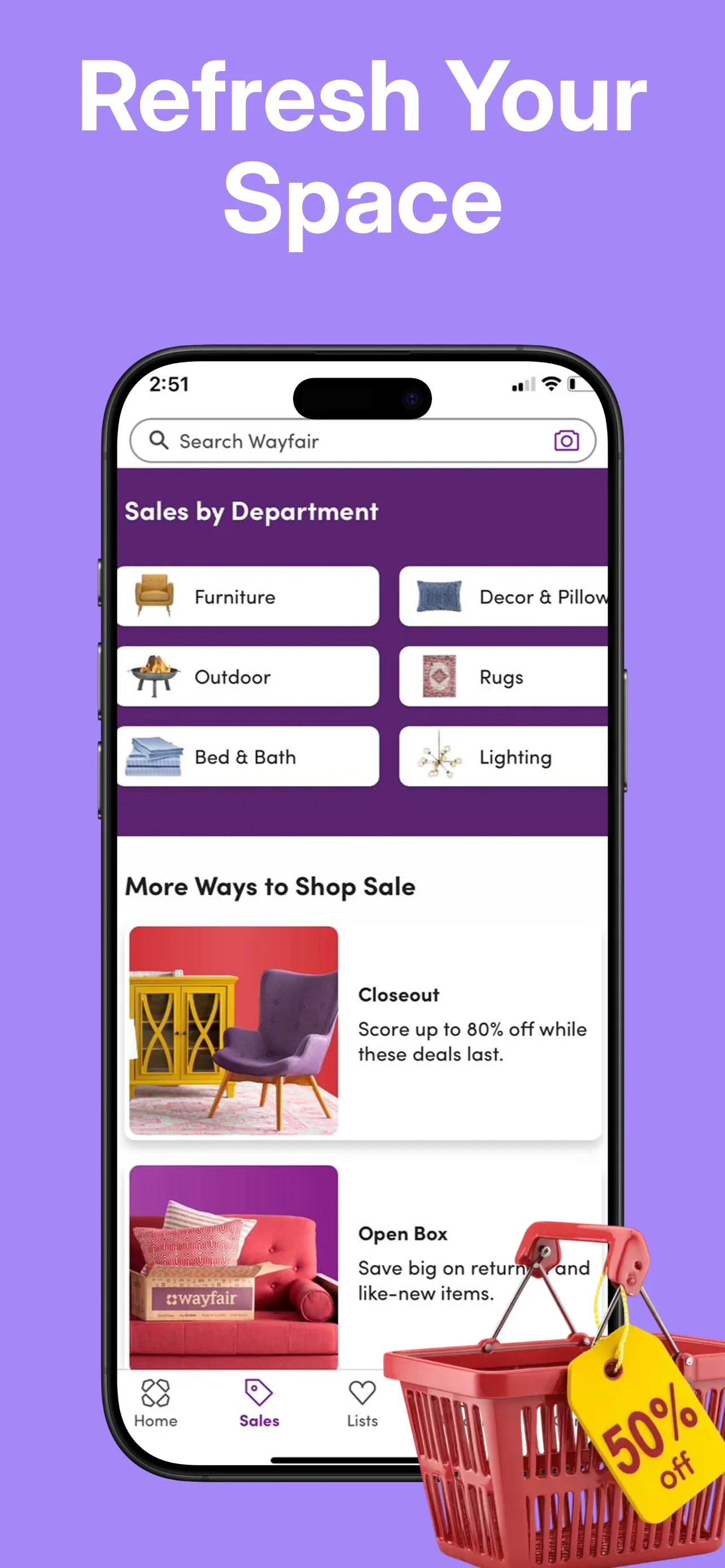
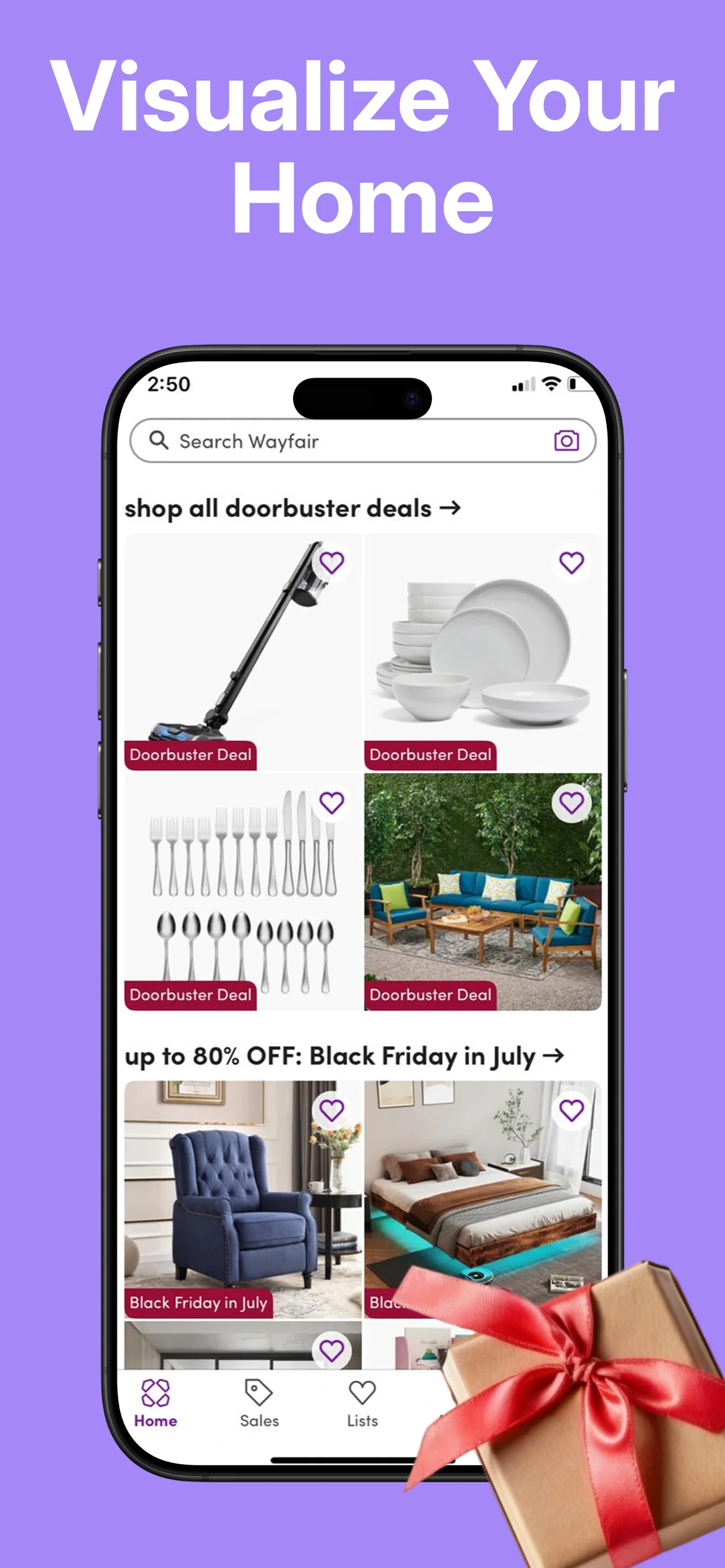
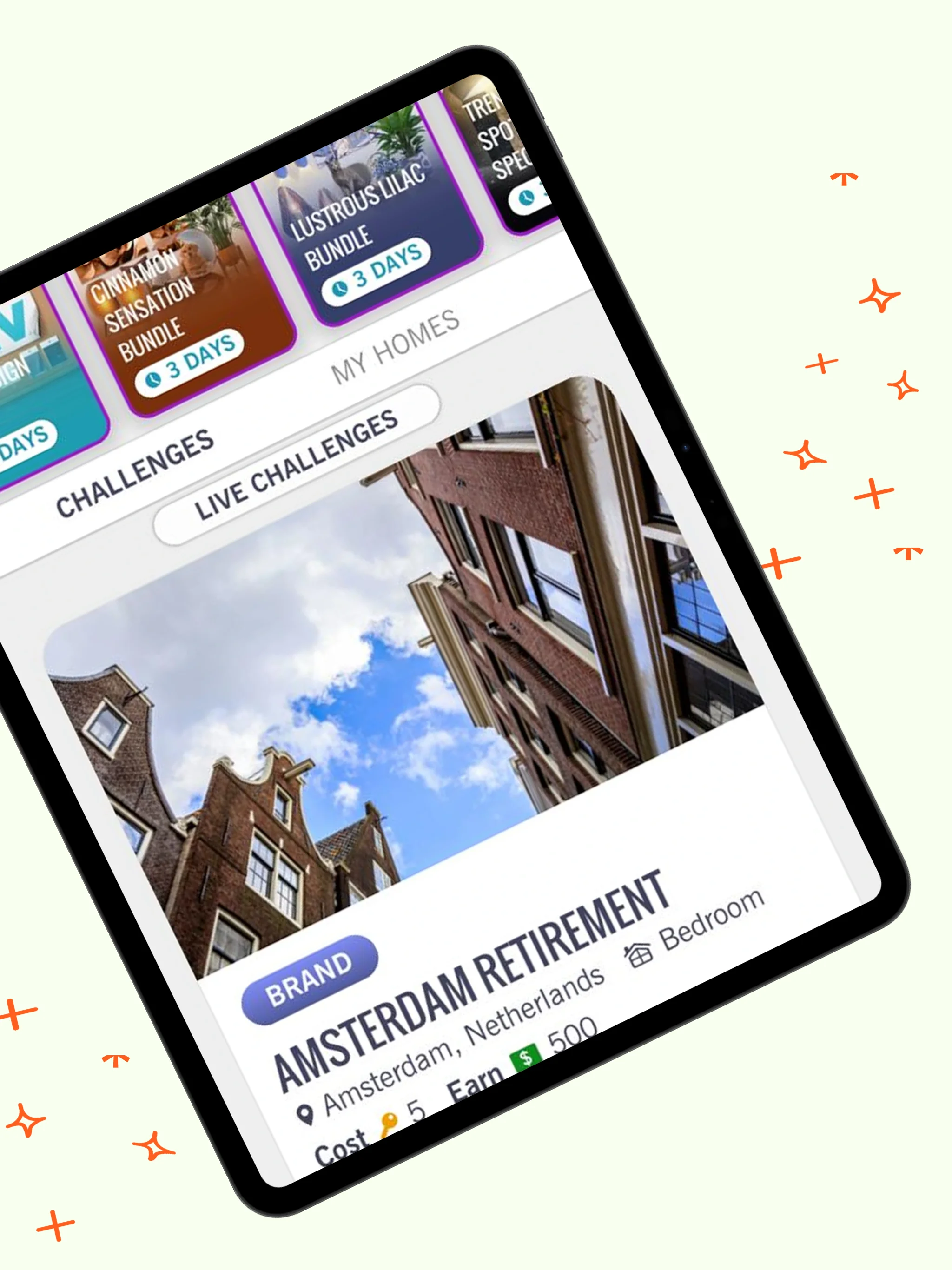
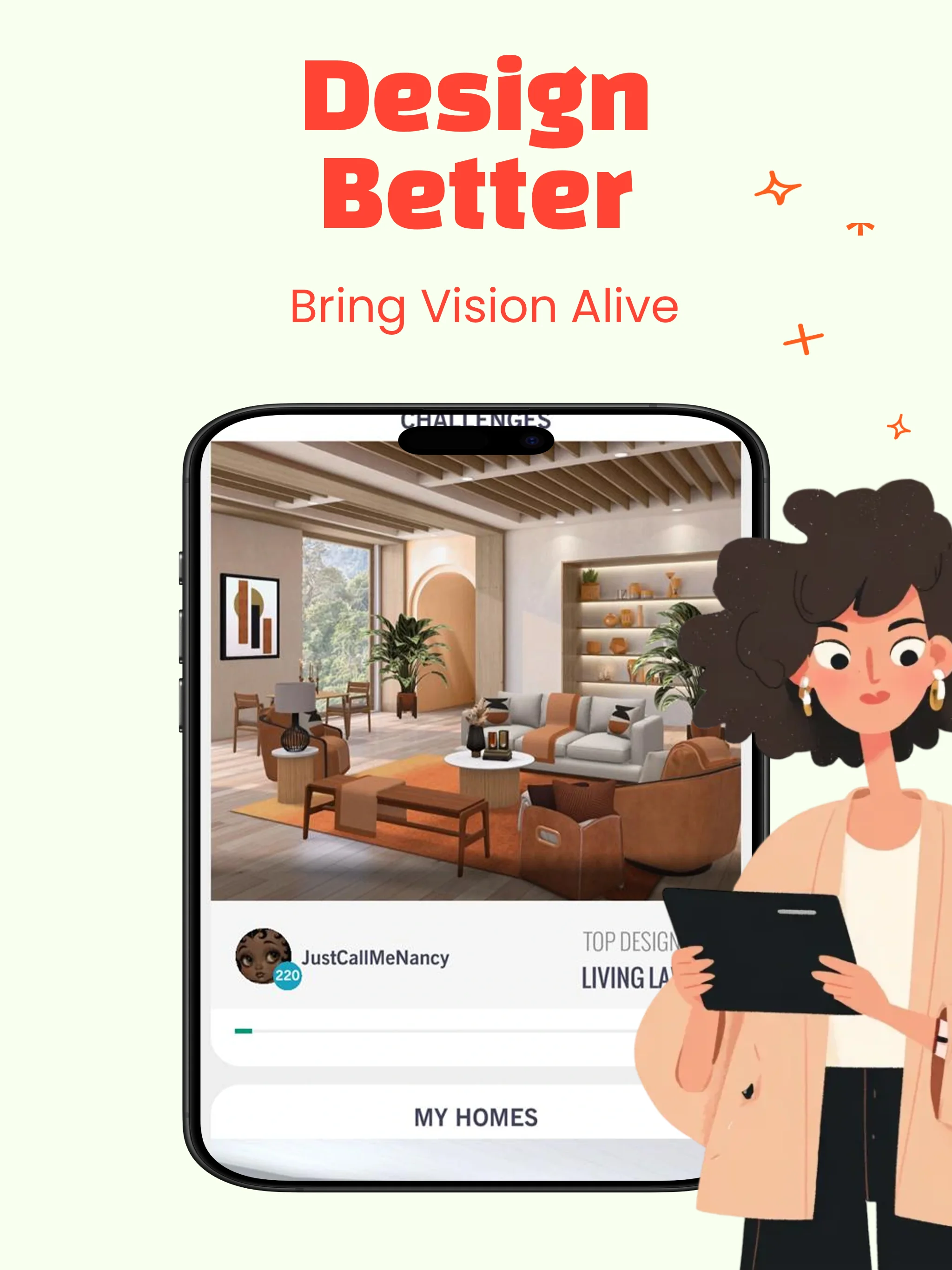
Style Your Way is a ready-made App Store screenshot template for Lifestyle apps, designed for iPad in a Light theme. It ships 5 fully-styled screens — headline, device frame, and background composed — covering every required size (11", 12.9") from a single design. Open it in FrameStudio, drop in your own captures, edit the copy, and export the complete set for App Store Connect in one click.
How to use it
- Download FrameStudio (free) and open Style Your Way from the template gallery.
- Drop your raw screenshots into the device frames and edit each headline.
- Need more markets? Add locales with one-click AI translation.
- Export once — every required size lands in an App Store Connect-ready folder.
Common questions
Which sizes does this template export?
Every size required by App Store Connect for iPad (11", 12.9") — exported together in one click, organised by size.
Can I change the colors, fonts and layout?
Yes — every element is editable on FrameStudio's canvas: text, colors, fonts, backgrounds, device frames and positions.
Can I translate this template into other languages?
Yes — add any locale to the project and AI translation rewrites every text layer while keeping this exact design.